

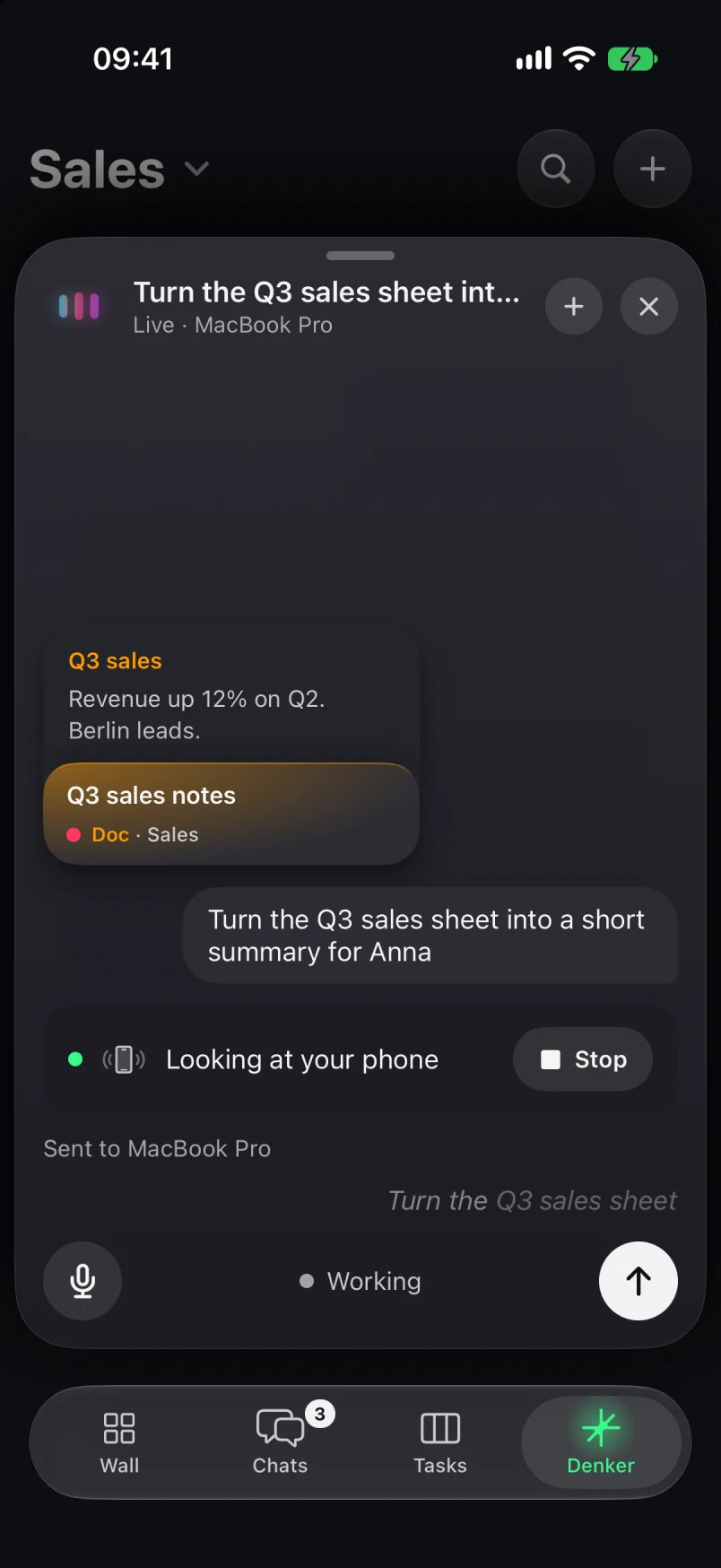
On your iPhone
Text, play, remind. Just ask.
Talk to Denker. It texts, plays music, sets timers and adds reminders on your iPhone, and sends bigger work to your Mac. It asks for your yes before it sends anything.

Denker for iPhone · Beta
Ask by voice. Denker does it on your iPhone, keeps you on top of your Mac's work, and uses the Claude Code, Codex or OpenCode account you already have.
BetaiOS 26 or laterUses your own AI account
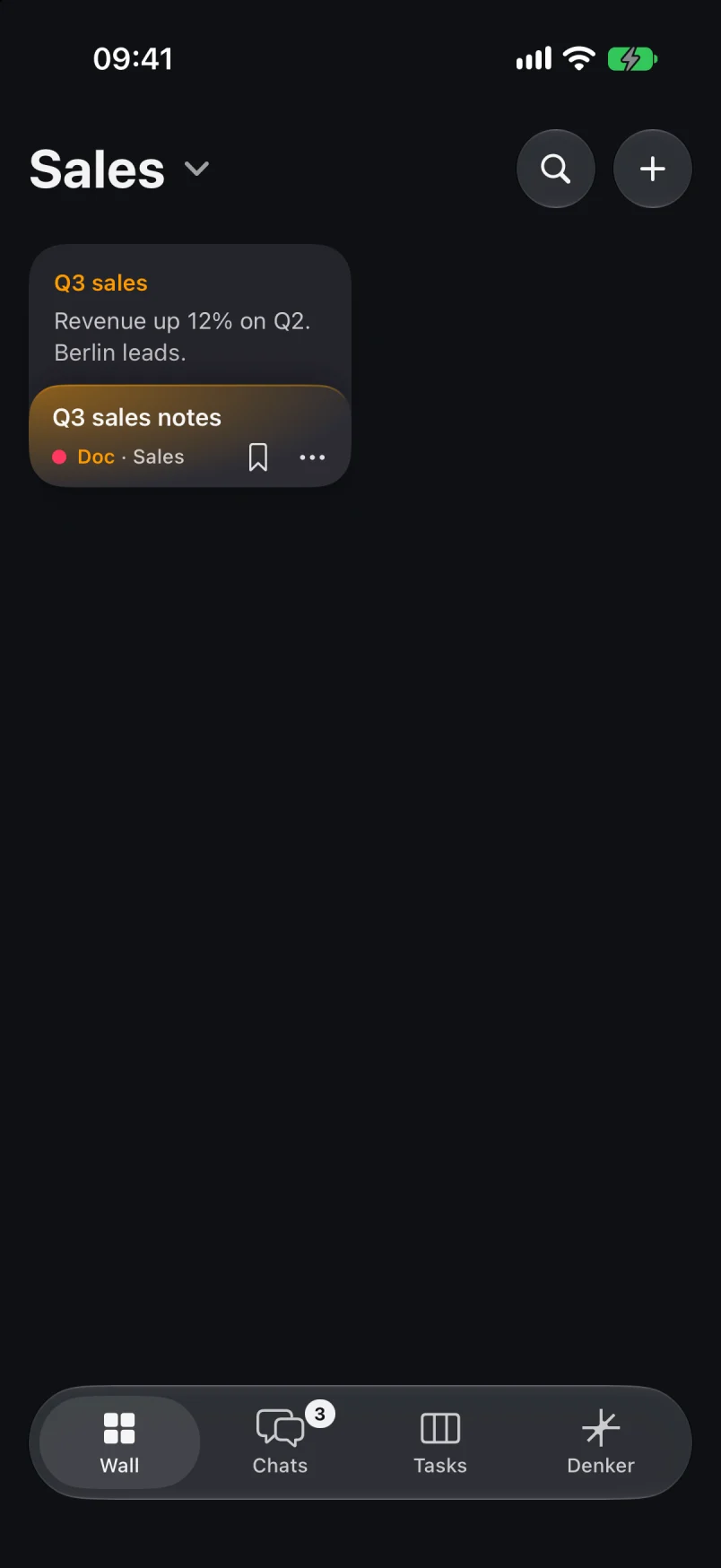
On your iPhone
Talk to Denker. It texts, plays music, sets timers and adds reminders on your iPhone, and sends bigger work to your Mac. It asks for your yes before it sends anything.
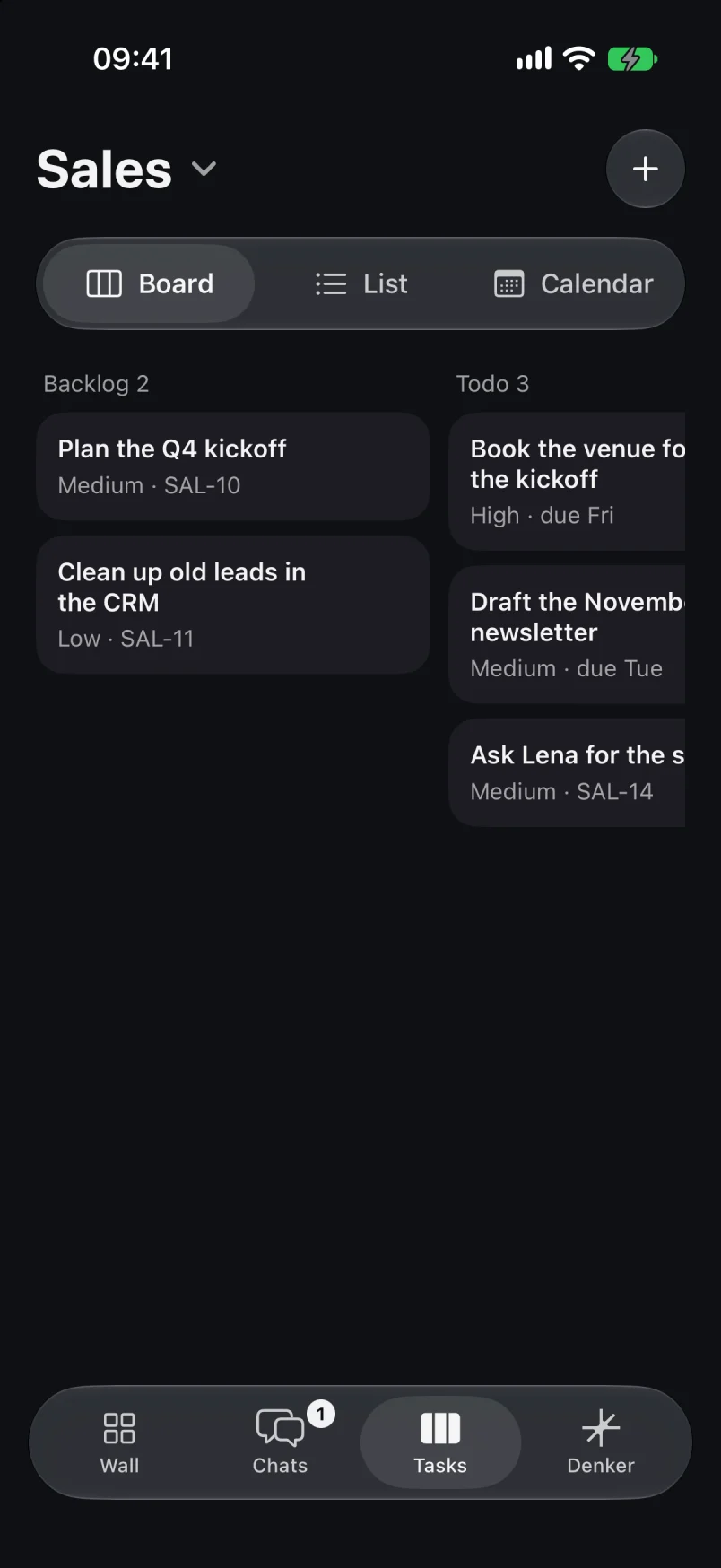
Your Mac, from anywhere
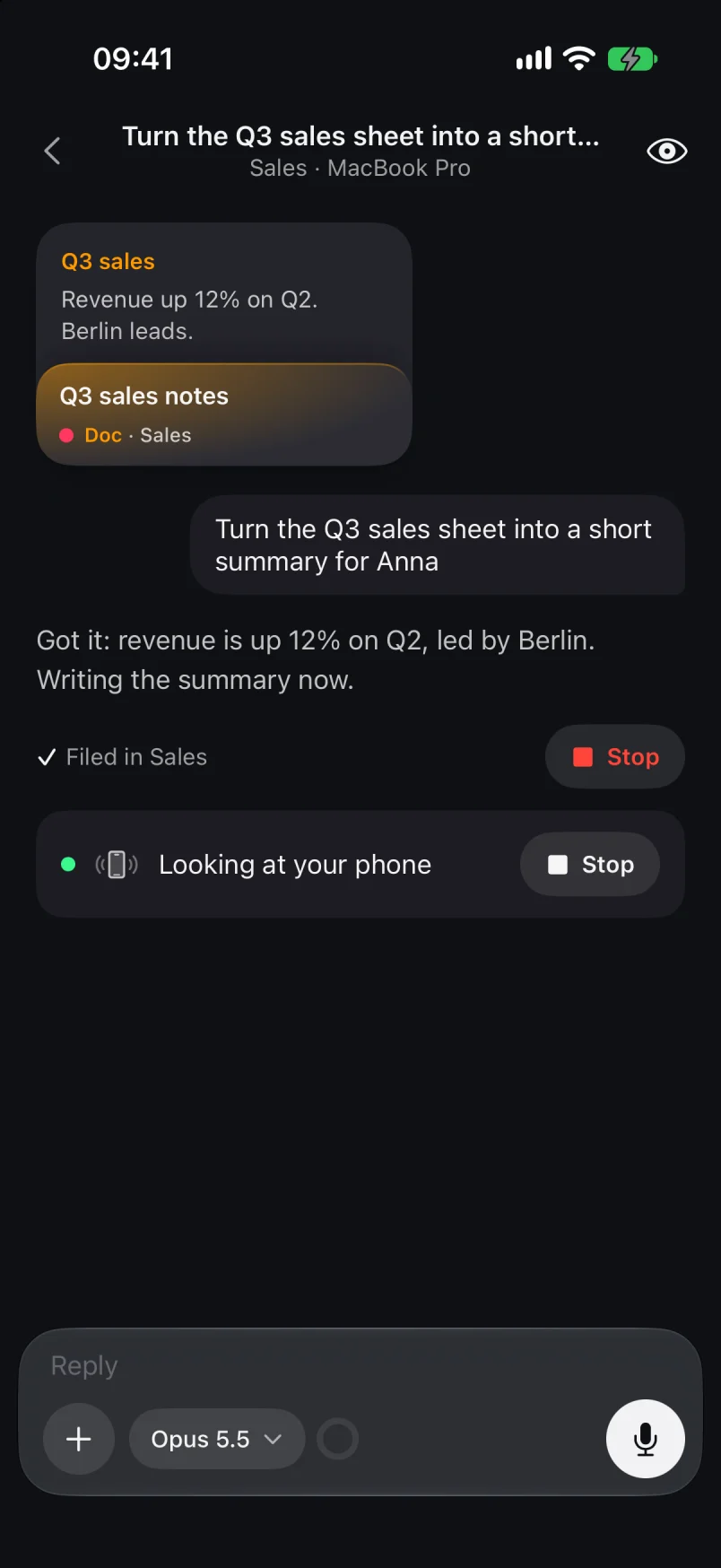
See what your agents are working on. Answer their questions, approve with Face ID, or stop a run.
Denker reaches you outside the app too.
Each step of a run, with Stop. On the Lock Screen too.
Questions arrive with their answers on buttons.
Say “Denker live” or start from Control Center.
Share a link, photo, PDF or text from any app.
Ask about a page, or let Denker fill its form.
Ask Denker in any app, right above the keys.
The iPhone app works together with Denker on your Mac.
For the details, our docs are here to help.
No. Your requests run on your Mac with the Claude Code, Codex or OpenCode account you already use. Charges from your AI provider are separate.
Yes. Your Mac runs the work. The iPhone app is how you ask, follow along and answer.
Any iPhone with iOS 26 or later. Denker's own voices are a one-time download; until then, and on older iPhones, Apple's voices answer.
No. Denker shows you the message, or reads it back in live voice, and waits for your yes before it sends. Allow on a Needs you approval asks for Face ID.
On your iPhone, and on your Mac.